Ledger: Small Window Doesn't Open Print
Modified on: Tue, 3 Feb, 2026 at 3:48 PM
×
⚠️ Article no longer maintained ⚠️
For more details, refer to the official annoucenment.
This article remains available for reference but is no longer updated or maintained.
Please use the information at your own discretion and risk.
For more details, refer to the official annoucenment.
‼️ IMPORTANT

Ledger is phasing out support for the Ledger Nano S. Your funds remain safe, but upgrading is recommended to ensure compatibility with future Polkadot updates.


Notice that other Ledger models (e.g., Ledger Nano S Plus) are not affected.
When you connect your Ledger account directly on The Polkadot Developer Interface, you may see a small window after clicking "From Ledger" that looks like this:
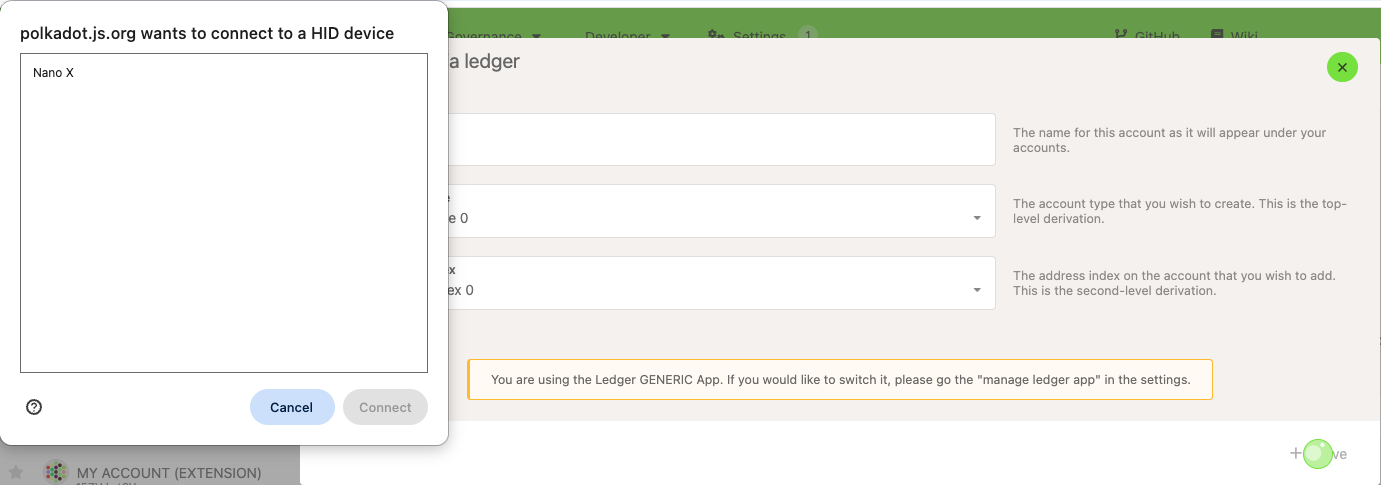
This small window is optional. If it appears, select your Ledger device in the window and click "Connect" to proceed.
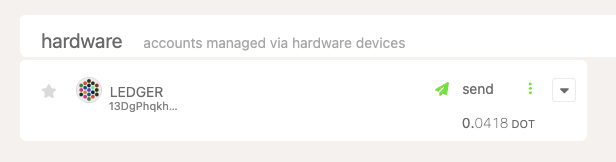
Some browsers don't show this small window and skip this step. In that case, your Ledger account should appear on the Accounts page immediately. You can find it under the "Hardware" type: